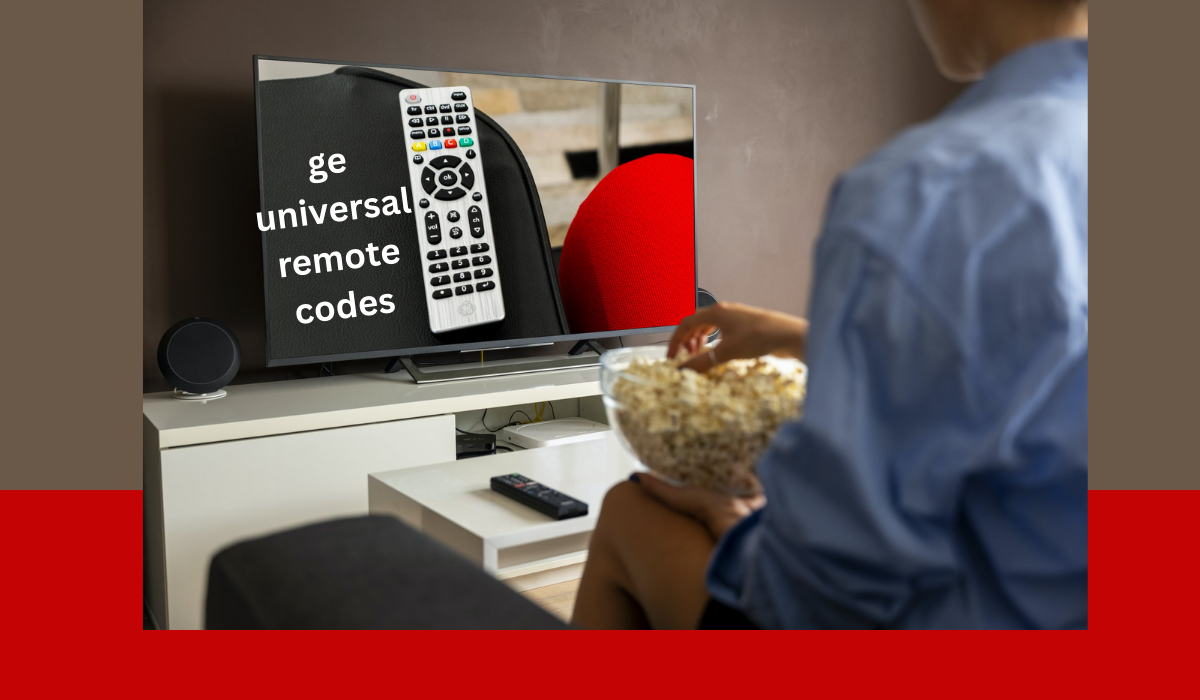
Introduction to Universal Remotes and GE Universal Remote
Have you ever found yourself juggling multiple remote controls, trying to figure out which one operates your TV, sound system, or streaming device? If so, you’re not alone. In today’s world of advanced technology and countless gadgets, a universal remote can be a game changer for simplifying your home entertainment experience. Enter the GE Universal Remote—a versatile tool designed to control various devices with just one sleek design.
With the right setup and some handy codes at your disposal, this remote will transform how you interact with your favorite shows and movies. Say goodbye to cluttered coffee tables filled with remotes! Whether you’re an avid movie buff or just enjoy binge-watching series on weekends, mastering GE Universal Remote Codes is essential for seamless entertainment navigation. Let’s dive into how you can effortlessly set up your GE Universal Remote and unlock its full potential!
Benefits of using a GE Universal Remote
A GE Universal Remote offers unparalleled convenience for your home entertainment setup. Imagine controlling multiple devices with just one remote instead of juggling several.
The intuitive design makes it user-friendly, even for those who may not be tech-savvy. You can easily switch between your TV, DVD player, and sound system without missing a beat.
Flexibility is another significant advantage. A GE Universal Remote allows you to program various brands and types of devices, ensuring compatibility across the board.
With customizable buttons and features like backlighting, accessing your favorite channels or settings becomes effortless, especially in dim environments.
Reducing clutter is always a win. One remote means fewer items on your coffee table or entertainment center—creating a streamlined look that enhances any living space.
Step-by-Step Guide for Setting up GE Universal Remote Codes
Setting up your GE Universal Remote is a straightforward process. Start by gathering the remote and the device you wish to control, whether it’s a TV, DVD player, or another gadget.
First, turn on your device manually. Grab your GE universal remote and locate the “TV” button—this will help streamline the pairing process.
Next, press and hold the “Setup” button until you see a red light blink twice. This indicates that you’re ready to input codes. Press and release the “TV” button; the red light will remain on.
Now it’s time for code entry. Use the provided code list specific to your remote model to find compatible codes for your device brand. Enter these codes one at a time while keeping an eye on that red light—it should turn off if you’ve found a match!
Once paired successfully, test various functions like volume control or channel surfing to ensure everything works seamlessly.
Troubleshooting Common Issues with GE Universal Remotes
If you’re facing issues with your GE Universal Remote, don’t worry—many common problems have simple solutions.
First, check the batteries. Weak or dead batteries are often the culprits behind unresponsive remotes. Replace them and see if that resolves the issue.
Next, ensure that there’s a clear line of sight between the remote and your devices. Obstructions can interfere with signals, causing frustrating delays.
Sometimes, reprogramming is necessary. If certain buttons aren’t working as they should, resetting your remote to its factory settings might be needed before re-entering codes for your devices.
Additionally, verify whether you’re using the correct code for each device. Different brands may require specific codes for proper operation.
Keep an eye out for firmware updates from GE; these updates can address bugs and improve functionality across various devices.
Programming GE Universal Remote for Multiple Devices
Programming a GE Universal Remote for multiple devices can enhance your home entertainment experience. It allows you to control everything from your TV to sound systems seamlessly.
Start by ensuring that each device is powered on. This step is crucial as it enables the remote to detect and communicate with them effectively.
Next, find the specific codes for each device you plan to program. These codes are often available in the manual or on the manufacturer’s website.
Press and hold the “Setup” button until the red indicator stays on, then release it. Now, press and release the button corresponding to your device type—TV, DVD, etc.—and enter the code using number keys carefully.
If successful, you’ll notice a blink from the red indicator. If not, repeat this process until all devices respond correctly. Enjoy controlling multiple gadgets without hassle!
Additional Tips and Tricks for Using a GE Universal Remote
To enhance your experience with a GE Universal Remote, consider labeling buttons for easy access. This can save time when switching between devices.
Using the “Volume Lock” feature is another handy trick. It allows you to control volume across all connected devices without switching remotes constantly.
Keep batteries fresh to avoid interruptions. A simple battery check can prevent unexpected shutdowns during movie night.
If you’re facing issues with response times, try resetting your remote. Remove the batteries and press each button once before reinserting them; this often resolves glitches.
Explore online resources or user manuals for specific codes related to newer devices. Manufacturers frequently update their code lists, ensuring compatibility with the latest technology.
Conclusion: Simplify Your Home Entertainment System with a GE Universal Remote
A GE Universal Remote is a game changer for organizing your home entertainment system. It offers the convenience of controlling multiple devices with one remote, eliminating the clutter of numerous remotes on your coffee table.
By following the step-by-step guide to set up your GE Universal Remote codes, you can easily sync it with your television, DVD player, sound system, and more. The advantages are plentiful—from simplifying functions to enhancing user experience.
With troubleshooting tips at hand and programming options available for multiple devices, using a GE Universal Remote becomes straightforward and efficient. Whether you’re watching movies or streaming shows, having all controls in one place enhances relaxation.
Embrace technology that simplifies everyday tasks in your living space. A GE Universal Remote transforms how you interact with entertainment systems—making it easier than ever to enjoy what you love without hassle.