
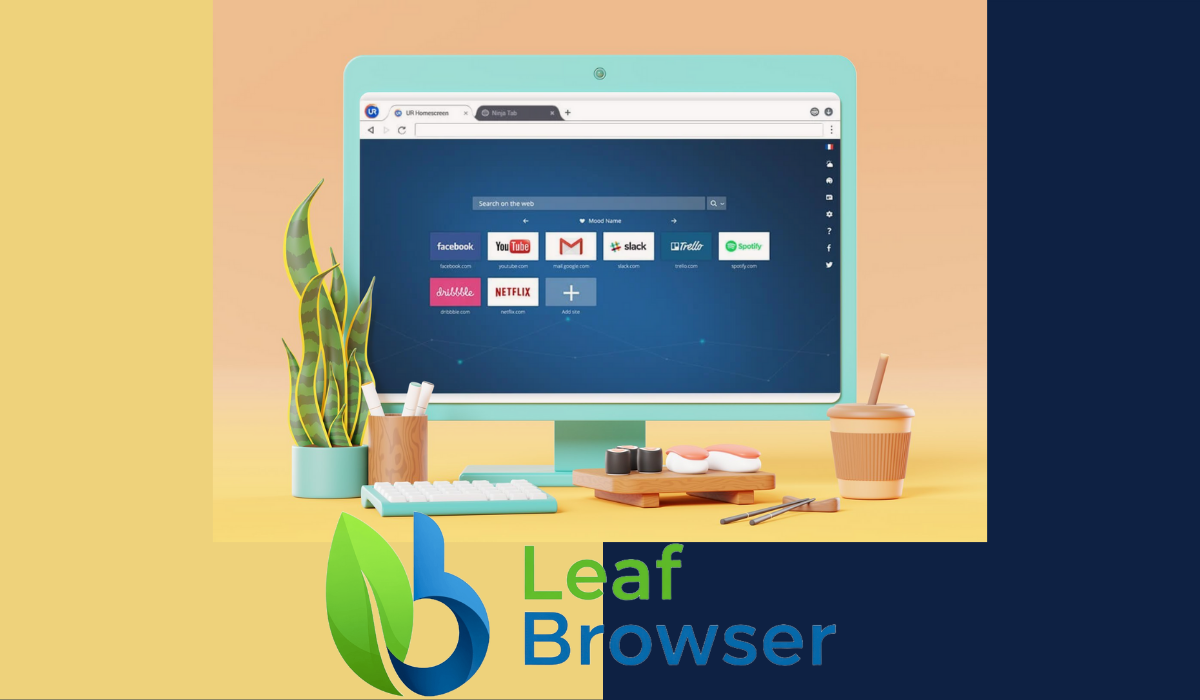
Introduction to Leaf Browser
In today’s digital age, safe web surfing is more important than ever. With the rise of online threats and privacy concerns, finding a reliable browser can feel like searching for a needle in a haystack. Enter Leaf Browser — an innovative solution designed to enhance your browsing experience while prioritizing security and user-friendliness. Whether you’re streaming videos or shopping online, Leaf Browser promises to deliver speed without compromising safety. Let’s dive into what makes this browser stand out in the crowded market of web explorers!
Features of Leaf Browser
Leaf Browser boasts a sleek and intuitive design that enhances the user experience. Its minimalist interface ensures easy navigation, allowing users to focus on what truly matters—surfing the web safely.
One standout feature is its built-in ad blocker. This not only boosts loading speeds but also protects users from intrusive ads and potential malware threats.
Privacy takes center stage with advanced security tools like tracker blocking and encrypted browsing options. Users can surf anonymously without leaving a trace.
Customization is another highlight of Leaf Browser. Users can personalize themes, layouts, and even manage bookmarks effortlessly for quick access to favorite sites.
Additionally, it includes a reader mode for distraction-free reading sessions that declutter webpages while keeping essential content easily accessible. These features work together to provide an exceptional browsing experience tailored to individual needs.
Benefits of Using Leaf Browser
Using Leaf Browser can significantly enhance your online experience. It prioritizes user privacy, ensuring that your data remains secure while you surf the web.
One standout benefit is its intuitive interface. Navigating through tabs and bookmarks feels effortless, making it ideal for both beginners and seasoned users.
The browser also boasts impressive speed. Web pages load quickly, minimizing frustrating wait times during browsing sessions.
Moreover, Leaf Browser includes built-in ad blockers. This feature not only keeps distractions at bay but also contributes to faster loading speeds by reducing unnecessary content.
Customization options are another major advantage. Users can tailor their browsing environment to fit personal preferences easily, enhancing overall satisfaction with the tool.
In addition to these features, regular updates ensure that you stay protected against new security threats emerging on the internet.
How to Download and Install Leaf Browser
Downloading and installing Leaf Browser is a straightforward process. Begin by visiting the official website to ensure you’re getting the safest version available.
Once on the homepage, locate the download button prominently displayed. Click it to initiate the download for your operating system, whether it’s Windows, macOS, or Linux.
After the file has downloaded, navigate to your downloads folder. Double-click on the installer file to launch it.
You’ll be guided through a series of prompts. Follow these steps carefully—select your preferred installation settings along the way.
When prompted, agree to any terms of service required before finalizing your installation. Once completed, you can find Leaf Browser in your applications list or on your desktop.
Open it up and explore its features right away!
Tips for Safe Web Surfing with Leaf Browser
When using Leaf Browser, prioritize your privacy. The built-in ad blocker helps eliminate unwanted distractions and potential threats from malicious ads.
Utilize the incognito mode for private browsing sessions. This feature ensures that your search history and personal data remain confidential.
Always keep your browser updated. Regular updates include security patches that protect against vulnerabilities.
Be cautious with downloads. Leaf Browser warns you about potentially harmful files before you proceed.
Use strong passwords combined with password managers for added security. This keeps your accounts safer while navigating various sites.
Take advantage of customizable settings to enhance your protection level according to your needs.
Educate yourself about phishing attacks and other online scams—knowledge is a powerful tool in safeguarding your surfing experience!
Comparison to Other Browsers
When comparing Leaf Browser to mainstream options like Chrome or Firefox, several distinctions stand out. Leaf Browser prioritizes user privacy and security with built-in features that often require additional extensions in other browsers.
For instance, its integrated ad blocker effectively reduces unwanted distractions while enhancing loading speeds. Many users find themselves less overwhelmed by intrusive ads.
Moreover, Leaf Browser’s interface is designed for simplicity. While some browsers can be cluttered with menus and settings, Leaf offers a clean layout that’s easy to navigate.
Performance-wise, it handles multiple tabs smoothly without draining device resources as quickly as competitors might. This efficiency means longer browsing sessions without lagging issues.
Additionally, the browser’s focus on encrypted connections ensures a secure experience online—something that many traditional browsers are still catching up on. Each aspect positions Leaf as a formidable alternative in the crowded browser market.
User Reviews and Testimonials
Users have shared their experiences with Leaf Browser, painting a vivid picture of its effectiveness. Many appreciate the intuitive interface, which makes navigation seamless and enjoyable.
One user remarked on how quickly they could access sites without the usual clutter found in other browsers. This simplicity is refreshing for those seeking efficiency.
Privacy features are frequently highlighted as a significant advantage. Several users feel more secure knowing their data isn’t being tracked or sold to advertisers.
Speed is another common theme in testimonials. People report faster page loading times compared to competitors, enhancing their overall online experience.
Customer support receives high marks too. Users have praised the responsive service team for addressing issues swiftly and effectively when needed. The combination of these factors contributes to an overall positive sentiment surrounding Leaf Browser among its growing community.
Conclusion
The Leaf Browser stands out in a crowded market of web browsers, especially for users prioritizing safety and privacy. With its robust features designed to enhance secure browsing, it offers an experience that feels tailored for the modern internet user. By integrating advanced security protocols and user-friendly navigation, Leaf Browser ensures that your online activities remain private and protected.
Users have praised this browser not only for its functionality but also for its sleek design and ease of use. Whether you’re looking to safeguard personal information or simply enjoy a smoother browsing experience, Leaf Browser is worth considering.
With easy download options and installation processes, getting started with Leaf Browser is straightforward. Plus, implementing best practices while using the browser can further enhance your online safety.
As you explore the digital landscape with confidence using Leaf Browser, you’ll find it combines essential features with practical benefits seamlessly. This innovative tool empowers users to surf the web safely without compromising on performance or usability. If you’re ready to elevate your internet experience while keeping security front and center, give Leaf Browser a try; it might just be what you’ve been searching for in a web browser.